


Business Analytics
Power BI
Make informed business decisions based on real Microsoft Dynamics 365 Business Central data. Monitor company performance in real-time, analyze key performance indicators (KPIs), and quickly identify areas that require additional attention, as well as those that are performing most efficiently.
Learn more

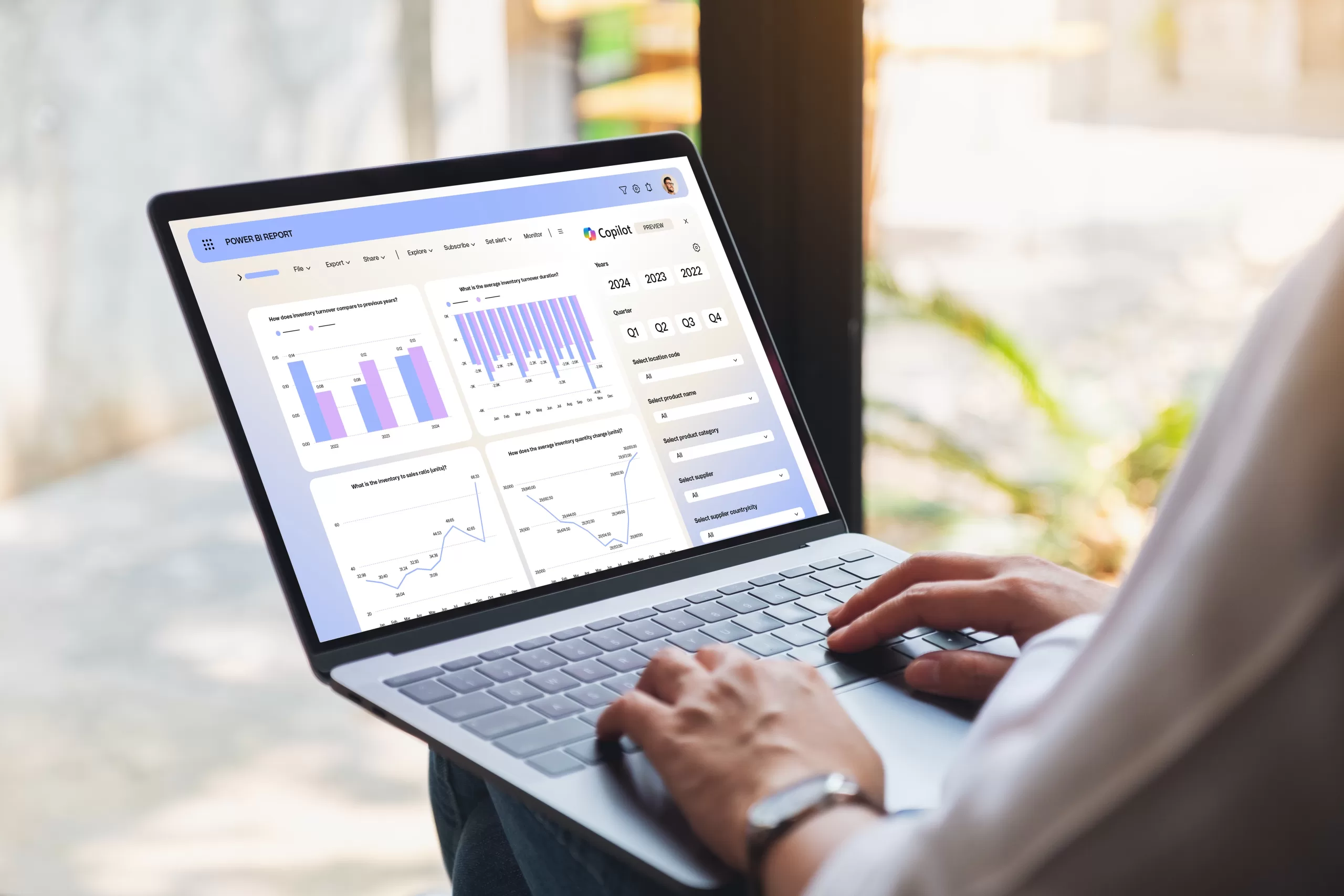


Business Analytics Solution Capabilities for Your Business
-

Real-time business situation analysis.
View revenue, expenses, and profit by company or department, compare results with previous periods and budgets. -
Data-driven decisions.
Easily analyze financial status, gross and net profit, cost structure, and operational trends. -
One tool for all planning.
Plan investments, forecast sales, manage inventory, and prepare for negotiations with suppliers based on purchasing and supply data. -
More accurate Key Performance Indicators (KPIs).
Manage inventory more effectively, avoid lost sales due to stock shortages, and identify problematic customers or suppliers. -
Debt and risk control.
Analyze debt aging and make decisions regarding future cooperation, reducing financial risks.

Compatibility and Fast Implementation
The solution integrates naturally with Microsoft Dynamics 365 Business Central and other Microsoft 365 services. Implementation does not require complex technical changes – the system adapts to your business processes, not the other way around.
Business Analytics Capabilities
Real-time information
-
No need to wait for yesterday’s or last week’s data – key business indicators are available when you need them.
-
Power BI allows you to monitor the situation in real-time and react to changes as soon as they occur.
Personalized data
-
Every employee can see the most relevant information for them in one place.
-
Power BI makes it easy to share insights and reports with colleagues, simplifying daily work and decision-making.
Answers to pressing questions
-
With Power BI, you can easily answer key business questions – from the most profitable products to customer behavior analysis.
-
You will get the necessary insights quickly and without complex processes, allowing you to make decisions based on real data.
Data-driven decisions
-
Access all necessary information on your computer, phone, or tablet.
-
The business analytics tool works on Windows, iOS, and Android devices, so crucial data is always at hand.
All company data in one place
-
Integrate all company data and connect different tools – a unified Power BI view from Microsoft systems, with the ability to integrate data from other sources.
-
Whether data is stored in the cloud or Excel spreadsheets – Power BI allows you to combine, analyze, and make decisions based on the real situation.
Data visualization on the website
-
You can easily share your information externally – for example, on your company’s website.
-
Power BI allows you to easily embed visualizations and graphs directly from the analytics tool, ensuring the presentation of up-to-date data.
You probably know
at least one of our clients
With over 10 years of experience, we have implemented numerous Microsoft Dynamics 365 Business Central deployments for companies similar to yours. We have more than 300 clients worldwide, so you likely know some of them. If you are interested in specific experience or recommendations, please contact us, and we will share them.

Rekuperatorių centras
Power BI
Rekuperatorių centras
Power BI
With Power BI, I see what I need, when I need it, in the format I need. Moreover, I receive email notifications if there are deviations from the norm, for example, if a sale is made below the margin. Everything happens automatically, so I just need to check my email in the morning to know what has happened.
5
Number of employees
2 056 457 €
Revenue