

Microsoft Copilot for Business
An integrated AI solution that helps optimize organizational operations – from daily productivity in Microsoft 365 applications to business process management in Dynamics 365 Business Central and CRM solutions.
Learn more


Copilot – from Excel to ERP and CRM
Microsoft Copilot operates across the entire Microsoft ecosystem – from Microsoft 365 applications to Dynamics 365 Business Central and CRM solutions. This enables AI capabilities to be applied to both daily productivity and core business processes in a unified environment connected to organizational data.


Copilot
Dynamics 365
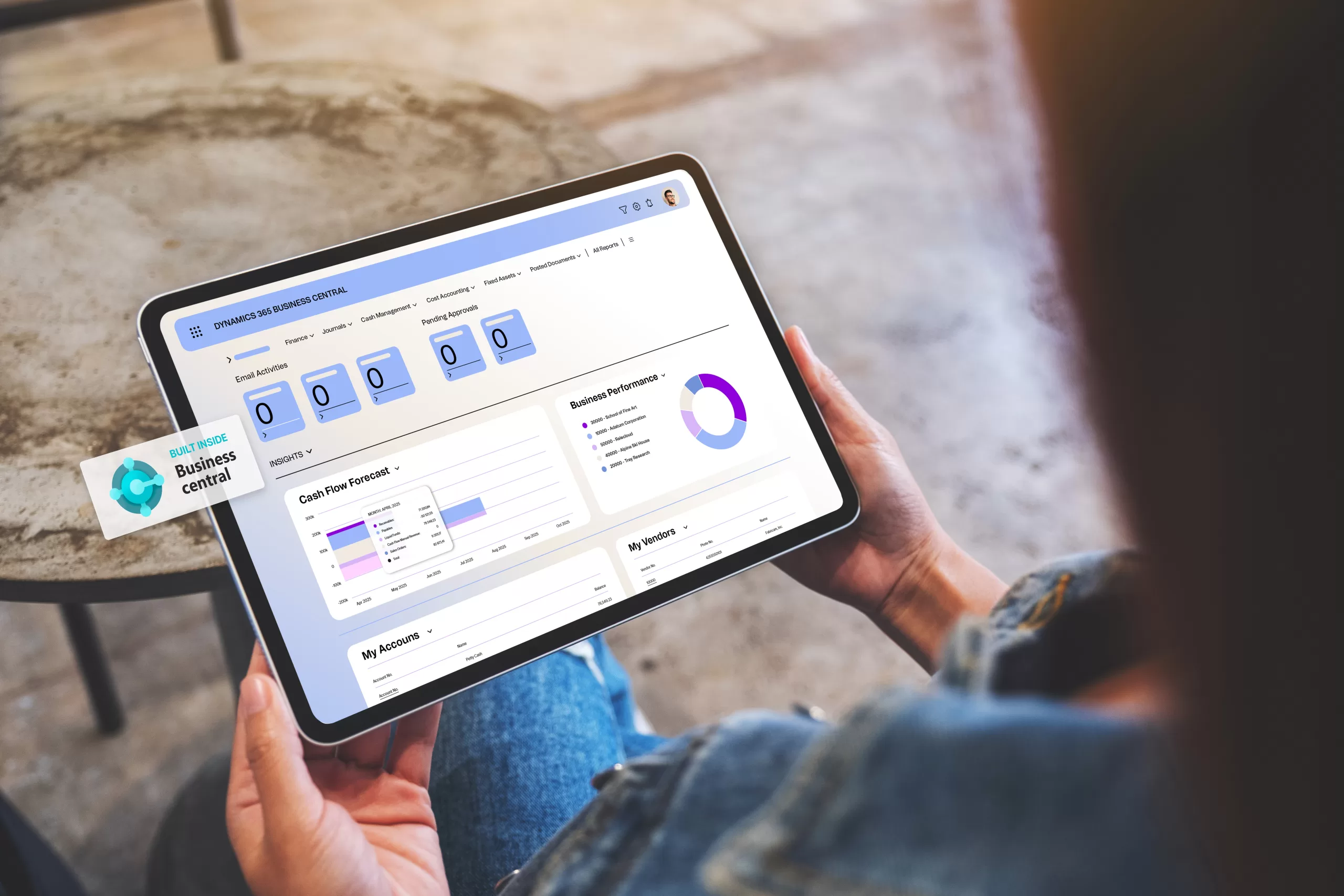
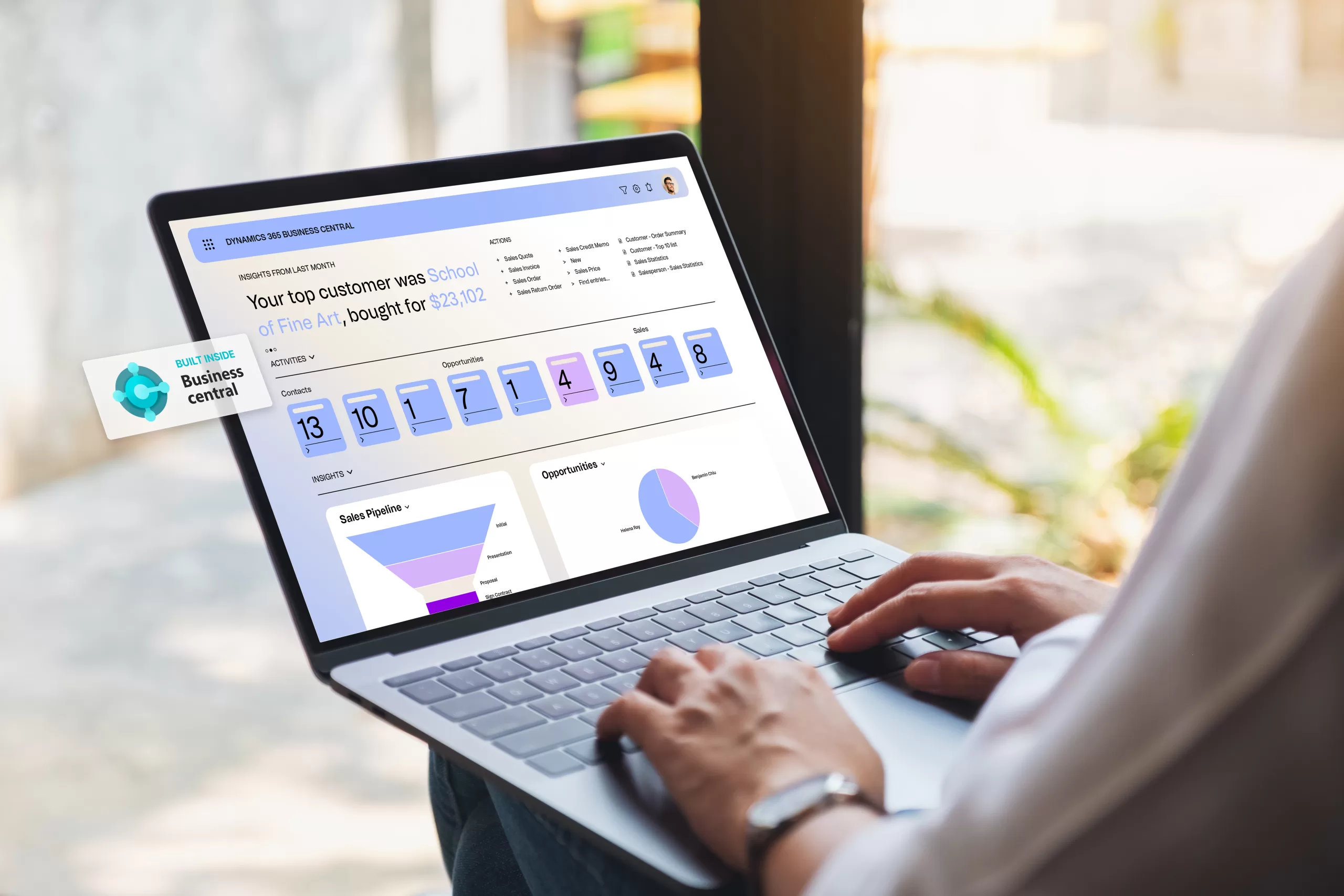
Copilot integrates into Business Central and CRM solutions, helping automate processes, process business data faster, and make better-informed decisions.
-
Sales and customer service: deal summaries, meeting preparation, email drafts, inquiry summaries, and contextual responses.

-
Finance: data reconciliation automation, report generation, and forecasting insights that help assess situations faster.
-
Supply chain: demand forecasting, inventory planning, and purchase order change review in daily processes.

Copilot
Microsoft 365
Copilot helps save time in document preparation, data analysis, meeting summarization, and communication management.
-
Excel, Word, PowerPoint: data analysis, formula generation, faster content creation and visualization.
-
Outlook: email summaries, faster response preparation, and clearer priority management.
-
Teams: meeting summaries, action items, and faster information capture.

Security and
Compliance
Copilot is deployed with clear controls, data protection, security, and the ability to create custom AI scenarios according to organizational needs.
-
AI agents: the ability to create custom agents tailored to specific workflows, rules, and internal data sources.
-
Data protection and access control: Copilot only accesses data that the user is authorized to access, maintaining security and privacy requirements.
-
Compliance and centralized management: consistent security policy, transparency, and clearer AI usage control across the organization.
Copilot Value for Business
Increased Employee Productivity
Microsoft Copilot helps summarize information faster, analyze data, and manage daily tasks. This means less time spent on routine work and more on work that creates real value for the business.
Faster and Better-Informed Decisions
Integration with Microsoft 365, Dynamics 365, and organizational data enables faster access to needed information, broader context visibility, and decision-making based on current data rather than fragmented information.
Reduced Manual Work
Copilot automates repetitive actions – from preparing summaries and drafts to data processing and process support. This helps organize work more efficiently and reduces administrative burden on teams.
Improved Work Quality and Consistency
A unified AI solution helps ensure consistent communication, clearer content, and more standardized work across different teams. This is important for organizations seeking not only speed but also quality.
Secure and Managed AI Deployment
Copilot’s value for business is realized when AI is used not in a fragmented way, but in a managed manner – with clear access controls, data protection, and the ability to scale the solution according to organizational needs. This enables responsible and sustainable AI deployment.
It’s Best to Start with a Conversation
A brief conversation will help clarify what you actually need. No commitments – just honest consultation about what matters most to your business today.